Table of contents
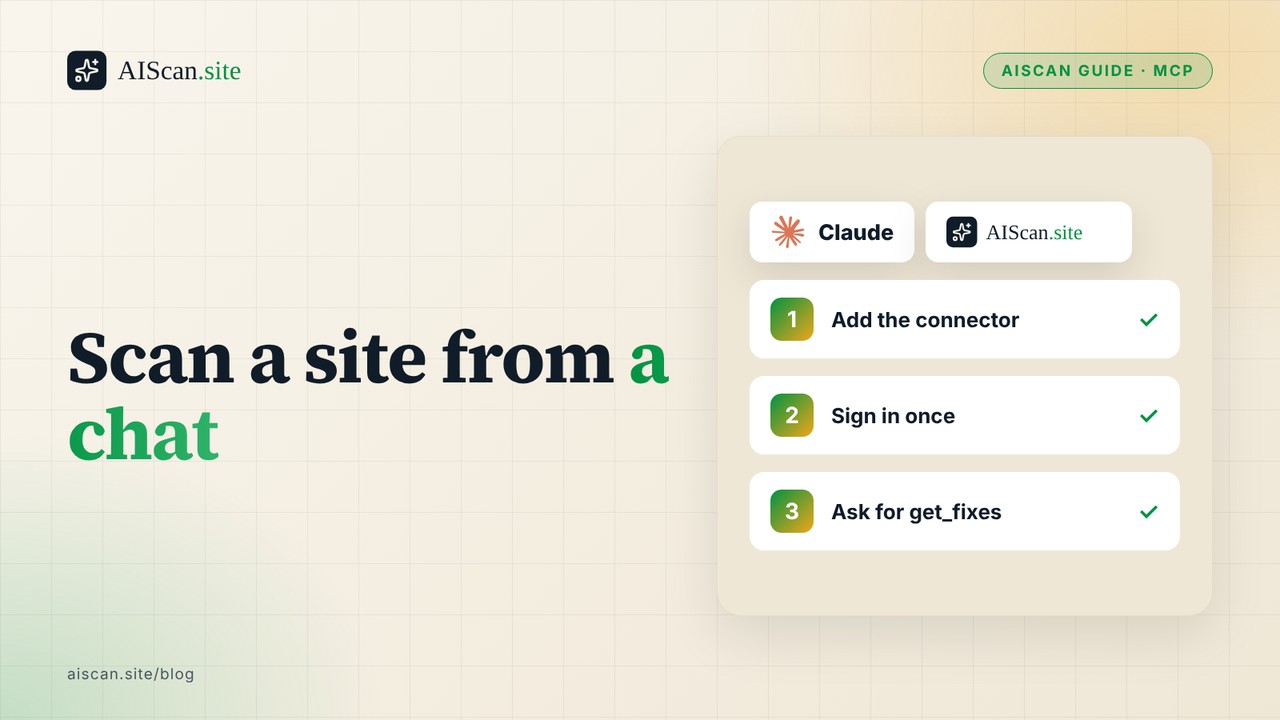
You can run an AIScan audit without leaving a chat. Add https://aiscan.site/mcp as a remote MCP connector in Claude (or in any client that accepts a remote MCP URL), sign in with your AIScan account once, then ask the assistant to scan a site. It calls scan_website, get_fixes or get_grade and answers from the real report. The connector adds nothing the CLI lacks; it saves the copy and paste between a scan and the conversation where you decide what to fix.
TL;DR
| Client | How you add AIScan | Sign-in | Tested here |
|---|---|---|---|
| Claude (web, desktop, mobile) | One click from the AIScan listing in the Claude connector directory | OAuth in the browser | Yes, 4 Nov 2026 |
| Claude custom connector | Settings, Connectors, add a custom connector, URL https://aiscan.site/mcp | OAuth in the browser | Same session as above |
| Claude Code | claude mcp add --transport http aiscan https://aiscan.site/mcp | OAuth when you first use it | Command shape from the Claude Code docs, not run in this session |
| Cursor, Windsurf, other MCP clients | {"mcpServers":{"aiscan":{"type":"http","url":"https://aiscan.site/mcp"}}} in the client's config | OAuth or an API key | Config copied from our own docs, not run |
| No MCP client | npx aiscan-cli yoursite.com or paste the URL at aiscan.site | None | Yes, it is the same engine |
Checks involved: check:P2 (MCP server card, which is how a client learns the endpoint exists) and check:C2 (/llms.txt, which the scan reads first).
What the connector does
The server speaks Streamable HTTP and publishes a card at /.well-known/mcp/server-card.json that names the endpoint, the protocol version (2025-06-18) and OAuth 2.1 with dynamic client registration. Your client registers itself, you approve it in the browser, and it refreshes the token on its own. No key is pasted anywhere.
Eight tools matter for audits. Three work without an account: scan_website (the full report), get_fixes (only failing and partial checks) and get_grade (score, grade, level). Two explain the rubric without scanning: list_checks and get_check_guidance. Signed in, you also get whoami, list_my_scans, get_report, get_domain_history and the monitoring tools. scan_page (one URL, content-weighted) needs a Pro plan.
Path 1: Claude, with the connector directory
- Open the AIScan page in the Claude connector directory (the Add to Claude button on the AIScan MCP docs goes there).
- Choose to add it, then sign in with your AIScan account when the browser asks.
- Start a chat and write: "Run get_grade on https://example.com, then get_fixes if it is under 100."
- Approve the tool call when Claude asks. The scan takes roughly 15 seconds.
If your plan is Team or Enterprise, an organisation owner has to add a custom connector before members can connect to it, according to Anthropic's custom connector guide. A free Claude plan is limited to one custom connector.
Path 2: Claude Code or any client that takes a URL
- Claude Code: run
claude mcp add --transport http aiscan https://aiscan.site/mcp. The syntax comes from the Claude Code MCP documentation. - Inside a session, open the
/mcppanel and authenticate theaiscanserver when it asks. - For Cursor, Windsurf and similar clients, put the JSON from the table in the client's MCP config file and restart it.
- For automation where a browser sign-in is impossible, use the legacy endpoint
https://aiscan.site/api/mcpwith anAuthorization: Bearer ask_...header and an API key from your profile.
The Model Context Protocol is an open standard, and its specification lets a server require authorisation on its transport, and the 2025-06-18 spec is the version our card declares. I did not test ChatGPT: whether it can add a remote MCP server depends on its plan and release, so read its own documentation first.
What we ran, on 4 November 2026
Connected through OAuth from a Claude Code session, on a free AIScan account. whoami returned the plan free, unlimited scans and page scans enabled. Then one tool per site:
| Site | Tool | Result | What it said |
|---|---|---|---|
| aiscan.site | scan_website | 100, Level 5 (Agent-Native) | 21 checks returned, none partial or failing; B3, M1 and M3 are info |
| storeseo.com | get_fixes | 100 | fixCount: 0, empty list |
| xspeedcache.com | get_grade then get_fixes | 98, A+, Level 5 | check:M4 partial: the pricing page has a JSON-LD offer with price and currency but no billing period |
| bettershield.ai | get_grade then get_fixes | 91, A+, Level 5 | check:P4 fail: both OAuth discovery endpoints return 404 |
One sample, one day, our own four sites, so treat it as a demonstration and not a benchmark. The useful part is the shape of the exchange: get_grade costs one short answer, and get_fixes returns only the lines you need to act on. A 91 and a 98 both land in Level 5, so the letter grade alone hides the one failing check on the 91; ask for fixes whenever the score is below 100.
Prompts that give a useful answer
The assistant picks the tool from your wording, so name it when you care which one runs.
- "Run
get_gradeon example.com." One short answer. Use it for a quick look or before a release. - "Run
get_fixeson example.com and list the fixes in the order I should do them." The server returns ordered fix steps per check, so the assistant has real instructions to quote and nothing to invent. - "Run
get_check_guidancefor P4 on Astro." No scan runs. You get platform-specific steps for one check, which is the right call when you already know what failed. - "Compare my last two scans of example.com with
get_domain_history." Needs a signed-in account. The tool flags when part of a score change comes from a rubric-version change and not from your site, which matters because the rubric moves (this session's scans used rubric2026.08.2).
Two habits help. First, ask for the reportUrl every time, so the claim in the chat can be checked against the stored report. Second, keep the fix and the re-scan in the same conversation: after you change the file, ask for get_fixes again and confirm the failing check is gone. A model that says "that should be fixed now" has not scanned anything.
Which route to pick
Use the connector when the decision happens in a chat: you are triaging a client site, writing a ticket, or asking what to fix first. Use the CLI when a script or a CI job needs an exit code. Use the web page when you are sending a result to someone who has no AI client. All three call the same scanner, so a score from one will match the others for the same URL and rubric version.
What the connector cannot do
- It scans public pages. A page behind a login is invisible to it, so a logged-in dashboard scores as its login wall.
- AIScan asks clients to keep to about five scans a minute per URL. A chat that loops over fifty URLs should pause between them.
- Without an account the three scan tools still work, but scans are not saved and
list_my_scansandget_domain_historyrefuse. Sign in if you want history. scan_pageis Pro only.- The assistant narrates the report. If its summary and the JSON disagree, the JSON wins; open the
reportUrlit returns.
If you would rather check by hand
The connector is a convenience, not a gate. These give the same answer:
- Run
npx aiscan-cli yoursite.com, or paste the URL at aiscan.site. Free, no account. - Fetch the card yourself:
curl -s https://yoursite.com/.well-known/mcp/server-card.jsonshould return JSON with anendpointfield if you run an MCP server. - For the CI version of the same gate, see the GitHub Actions guide; for terminal probes, the terminal audit.
Next action
Connect once, run get_fixes on your own site, and fix the first failing check. Then put the site on monitoring so the next regression reaches you before it reaches a crawler. The per-check pages are in /docs/checks, the developer overview is at /developers, and the full reading list is /guides.
Frequently asked questions
Can I run an AIScan audit from Claude?
Yes. Add the AIScan connector from the Claude connector directory, or add https://aiscan.site/mcp as a custom connector, sign in with your AIScan account, and ask Claude to run scan_website, get_fixes or get_grade on a URL.
Do I need an API key for the MCP connector?
No. The https://aiscan.site/mcp endpoint uses OAuth 2.1 with dynamic client registration, so you approve the connection in the browser. API keys are for the legacy endpoint https://aiscan.site/api/mcp, which suits automation.
The connector says it cannot connect. What do I check?
Confirm the URL is exactly https://aiscan.site/mcp with no trailing path. Claude connects from Anthropic's servers, not your machine, so a VPN or firewall on your side is not the cause. On Team and Enterprise plans an organisation owner must add the custom connector first.
The assistant says my scans are not saved. Why?
You are using the public mode: either the sign-in did not finish or the client points at the legacy endpoint without a key. The three scan tools still work, but history tools such as list_my_scans refuse. Reconnect through https://aiscan.site/mcp and finish the browser sign-in.
scan_page returns a refusal. What does that mean?
scan_page is available on the Pro plan only. Call whoami to see your plan and whether page scans are enabled, or use scan_website, which covers the whole site on every plan.
The scan fails or times out for my URL. What now?
Check that the URL is public, includes http or https, and is not behind a login or an IP allowlist, because the scanner fetches it like an anonymous visitor. Wait a minute if you ran many scans, since AIScan asks clients to stay near five scans a minute per URL, then retry.
Does ChatGPT work with the AIScan connector?
I did not test it. Support for remote MCP servers in ChatGPT depends on its plan and release, so check OpenAI's documentation for adding a remote server by URL. If it is unavailable, use the CLI or the web scanner, which run the same engine.
Is the connector better than the CLI?
Neither is more accurate; both run the same scanner and rubric. The connector suits decisions made inside a chat, the CLI suits scripts and CI because it gives an exit code, and aiscan.site suits sharing a result with someone who has no AI client.

About the author
M Asif Rahman
Entrepreneur, curious about AI
I have been building companies for a long time, and lately most of my curiosity goes to AI. AIScan is a small personal project I built on a flight from Dubai to Narita. I use it to understand how ready the web is for AI agents, and I share what the scans teach me.
Related guides
AI readiness setup guide by platform (2026)
Verified 17, 18, 20 and 22 October 2026. Updated on 22 October 2026. An AIready site needs six things: a robots.txt that names AI crawlers D1, B2, a sitemap D2, a declared feed E5, an llms.txt C2,…
Audit Your Own Agent Readiness From a Terminal in Ten Minutes
Paste your URL at aiscan.sitehttps://aiscan.site/ or run npx aiscancli yoursite.com and you get a score in under thirty seconds. Fine for a first read, not enough if you actually want to know what…
llms.txt vs robots.txt vs sitemap.xml in 2026: Six Files, Six Jobs
Verified 4 September 2026. Every figure below was measured or fetched on that date. Three files keep getting compared as if they were competing for the same job: robots.txt, sitemap.xml and llms.txt.…